Feature Gallery
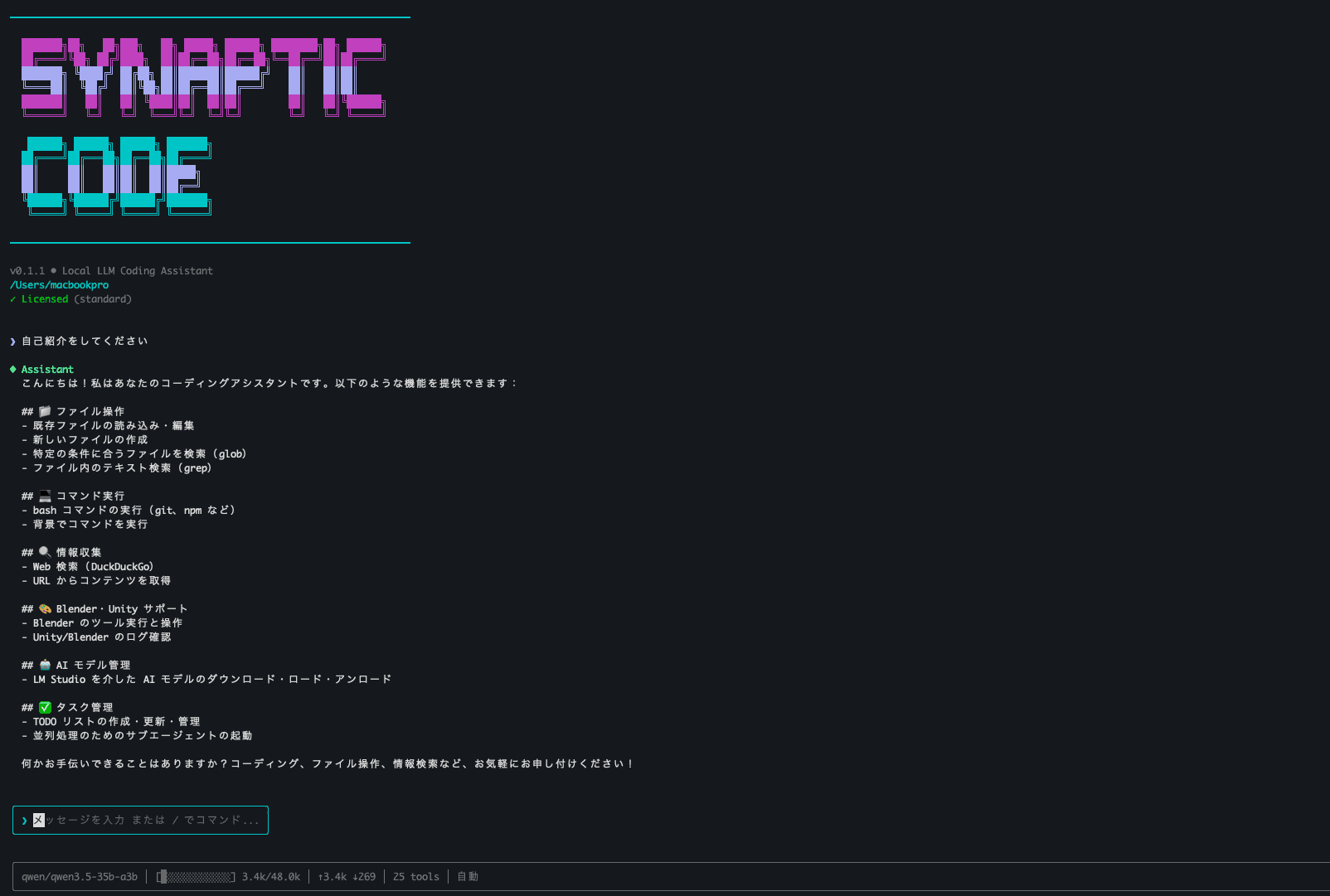
Easy Install
Extract ZIP
Unzip the downloaded file
Double-click
Launch
or $ syn
What you can do
Coding
Research
Unity Integration
Blender Integration
Synaptic Code
Claude Code Alternative - One-Time Purchase
AI coding assistant running on local LLM. Get the Claude Code or Cursor experience with a one-time purchase, no subscription.
LM Studio Integration
Works with free LM Studio. Setup wizard automatically selects the best model for you.
Synaptic Ecosystem Integration
Connect with Blender and Unity via HTTP. Control directly from your coding environment.
Multi-Purpose
Beyond coding: research, file creation, proofreading, and translation.
Auto Model Install
When new AI models are released, just chat and it auto-installs.
Complete Privacy
Your code never leaves your machine. Everything processed locally.
No Subscription
One-time purchase, lifetime license. Free updates included.
Multilingual
UI in Japanese/English. AI supports almost any language.
動作環境
- • Windows / Mac supported
- • RAM 8GB+ (24GB+ recommended)
- • Perpetual license (free updates)
Synaptic Code
Claude Code Alternative - One-Time Purchase
Credit Card Payment
JPY (¥) via Square